


Buffer Video Size Limit: Reduce Video Size with 4 Free Tools
How to handle the Buffer video size limit for free? You can compress video size by MiniTool Video Converter or delete unwanted parts by MiniTool MovieMaker.
By Mia
How to handle the Buffer video size limit for free? You can compress video size by MiniTool Video Converter or delete unwanted parts by MiniTool MovieMaker.

How to meet the LinkedIn video size limit without sacrificing quality? This step-by-step guide shows you some tools to compress a video down to 5 GB.
How to compress video files? Can you compress a video without losing quality? You can find the best solution in this article!

Many people use Dropbox to store video files, but does Dropbox compress videos? This article will tell you the answer.
Not all torrent files come in MP4 format. Learn how to convert Torrent to MP4 with MiniTool Video Converter or MiniTool MovieMaker.

Why does video lose quality when sending? How to send videos without losing quality? Read this post to learn useful ways to send high-quality videos.
This post explains the causes of the “iMovie can’t import MP4” issue and provides several effective fixes, including using MiniTool Video Converter.
This article introduces 2 easy ways to convert MP4 to 720p using MiniTool Video Converter and MiniTool MovieMaker. It also explains why to do this conversion.
How to reduce MP4 file size on Mac? What is the best and free way to compress MP4 on Mac? How to compress MP4 Files on Mac? Read this post.
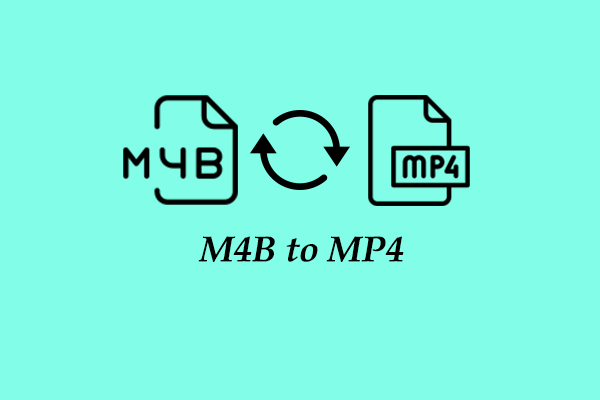
Learn what M4B and MP4 are, how to open M4B files on Windows, and how to convert M4B to MP4 or MP4 to M4B with MiniTool Video Converter.
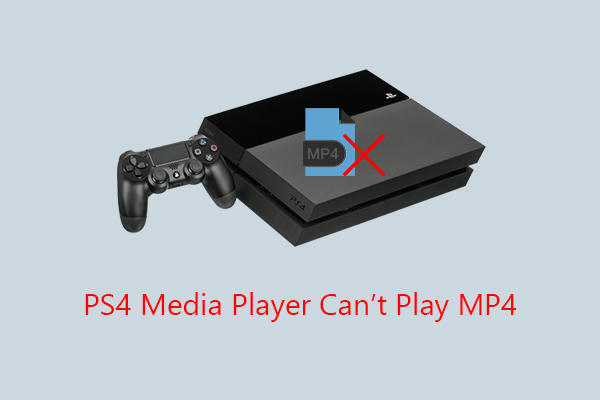
This post explains why PS4 Media Player can’t play MP4, including unsupported codecs, wrong file paths, and more. It also provides solutions to fix the problem.
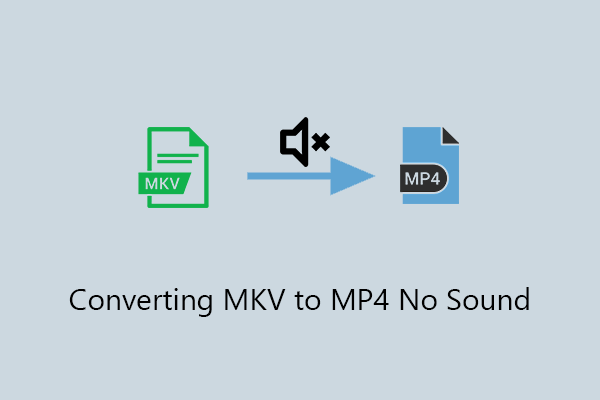
This article explains the causes of the converting MKV to MP4 no sound issue and provides fixes, including adjusting VLC settings and using alternatives.