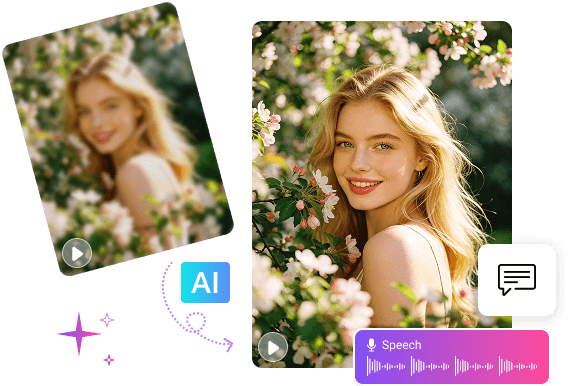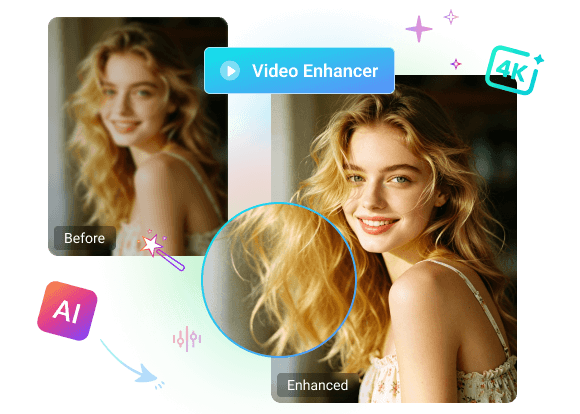

Transform video quality while preserving every detail!
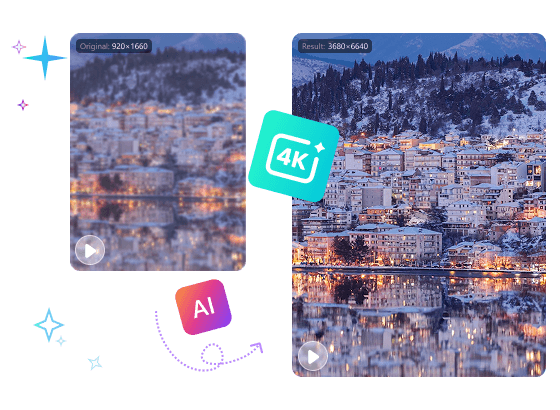
- Upscale low-resolution videos to 4K clarity.
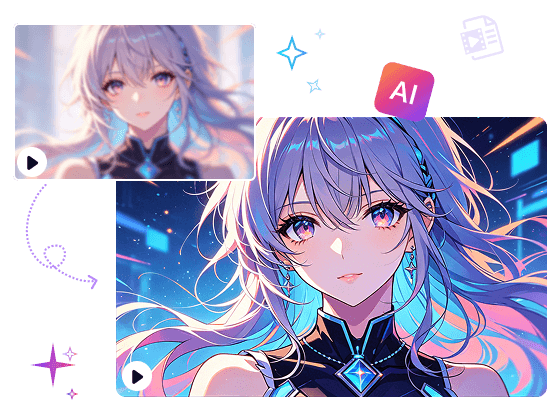
- Sharpen anime lines and enhance colors for clearer visual.
- Remove noise and recover fine details instantly.
MiniTool Video Converter uses advanced AI models to rebuild every pixel. It upscales videos up to 4 times with breathtaking clarity. Every detail in the original video is preserved.
This free video enhancer analyzes all parts within anime content. It keeps the initial look while making lines clearer and colors brighter, which takes animation quality to the next level.
MiniTool Video Converter uses selective smoothing techniques. It finds and removes grain, blur, and compression marks from the footage. After processing, videos look fresh again with clear, professional quality.

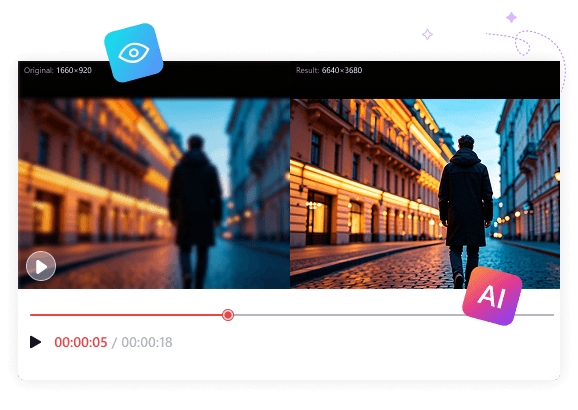
This intelligent video enhancer offers a preview feature. You can compare videos before and after enhancement side by side at key frames. Every subtle improvement is clearly visible, allowing you to verify whether the final result meets your needs.
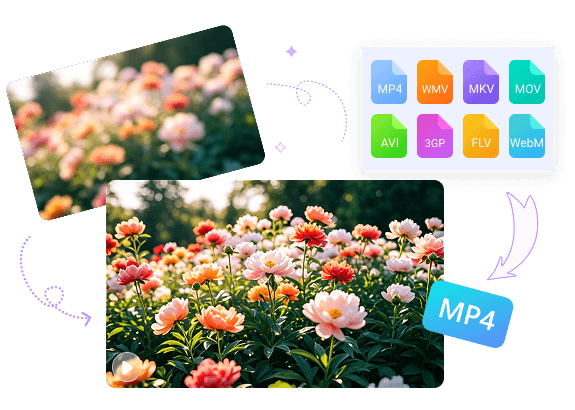
MiniTool Video Converter supports enhancing videos in a variety of formats, including MP4, MKV, MOV, WebM, AVI, WMV, 3GP, FLV, and more. It saves videos as MP4 files, enabling easy share and playback on any device.
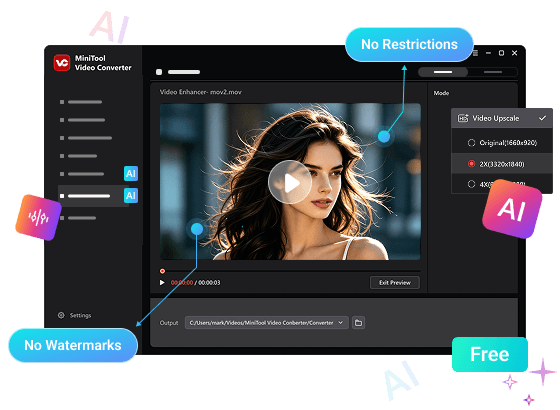
MiniTool Video Converter is a free video enhancer with no watermarks, no file size limits, and no duration restrictions. Enjoy unlimited freedom to improve your video quality without restrictions!
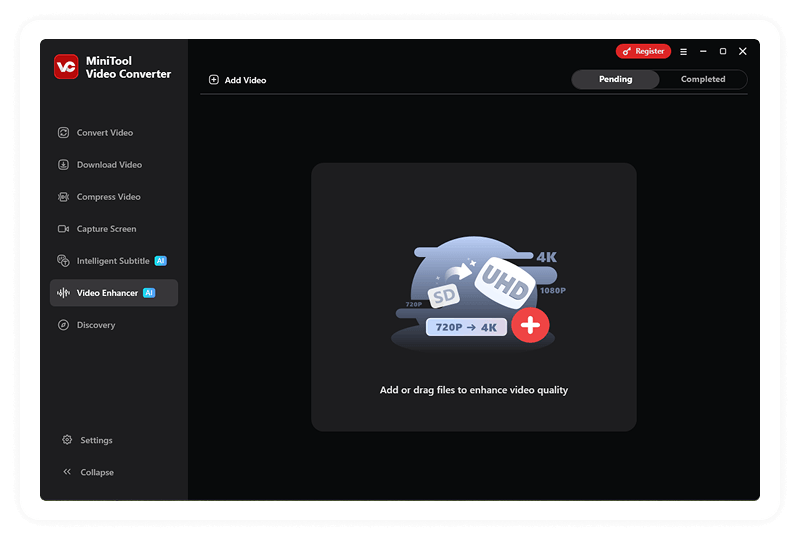
Step 1. Add your target video.
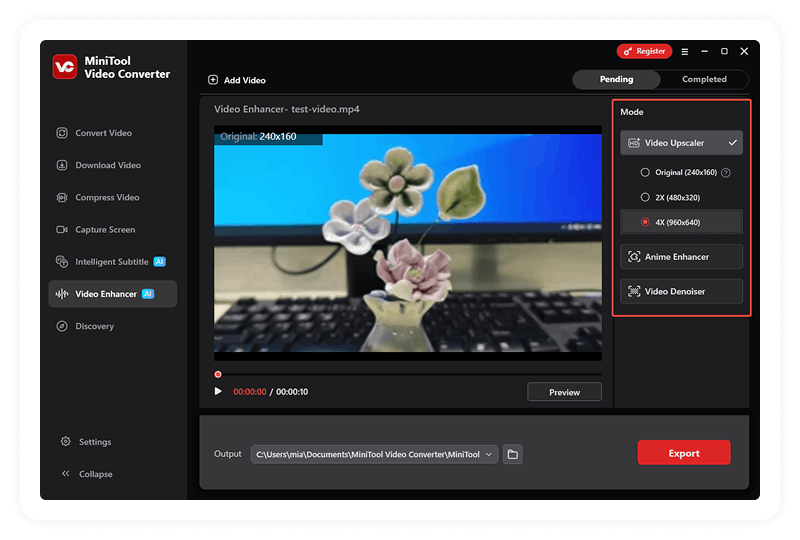
Step 2. Choose the enhance mode.
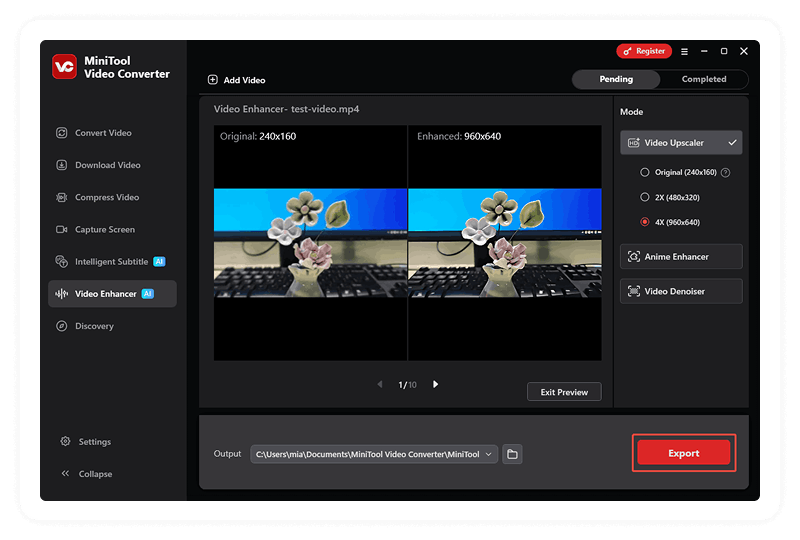
Step 3. Preview and export the enhanced video.
MiniTool Video Converter helps enhance video quality by upscaling video resolution, improving clarity, and reducing noise. It also allows you to convert videos to different formats for better compatibility, compress large files to save storage space, and transcribe audio or video into text for easy reference.