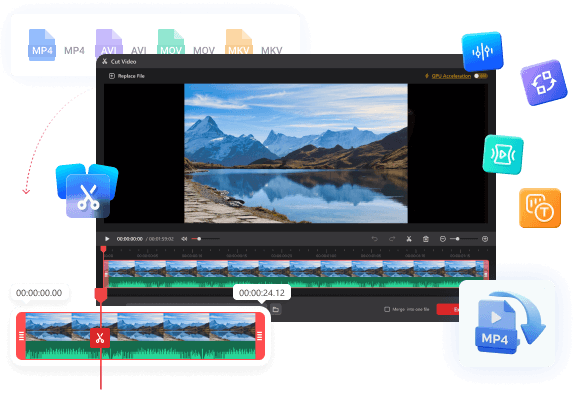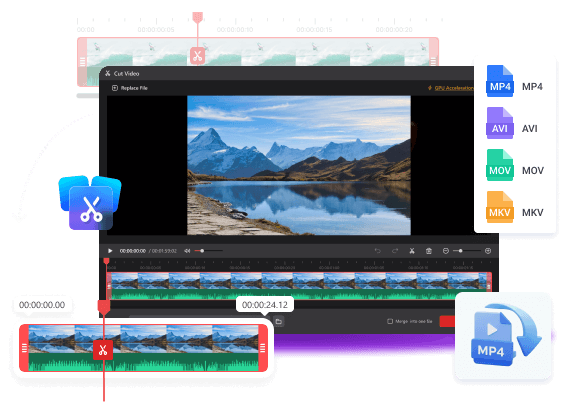

Cut videos to remove unnecessary parts and reduce video size.
- Cut out parts of a video to remove unwanted sections.
- Cut a video into small pieces for easier storage.
- Support importing videos of popular formats.
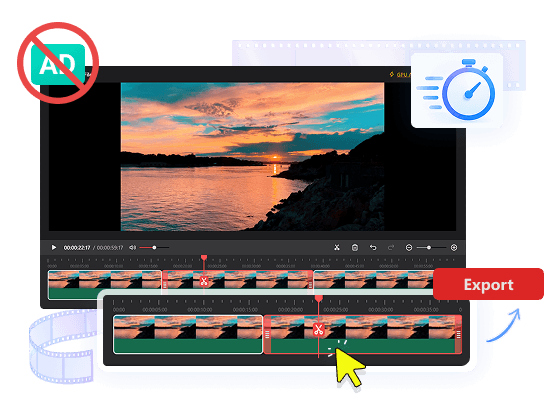
- Quick, easy, and no ads.
Cut out redundant footage and keep only the moments that matter. Quickly remove unnecessary parts, tighten your videos, and create clean, engaging content without the extra hassle.
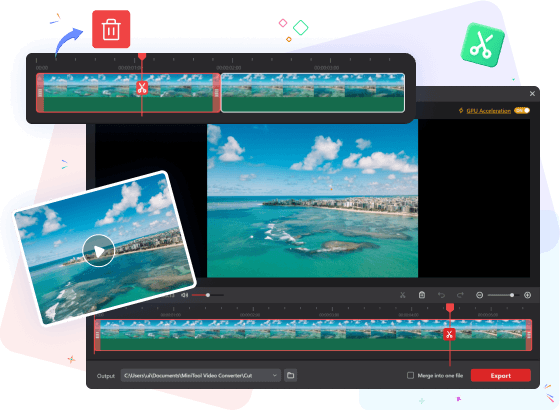
Split a long video into multiple smaller clips with just a few clicks. Divide your video exactly where you want and create separate clips ready for editing, sharing, or organizing.
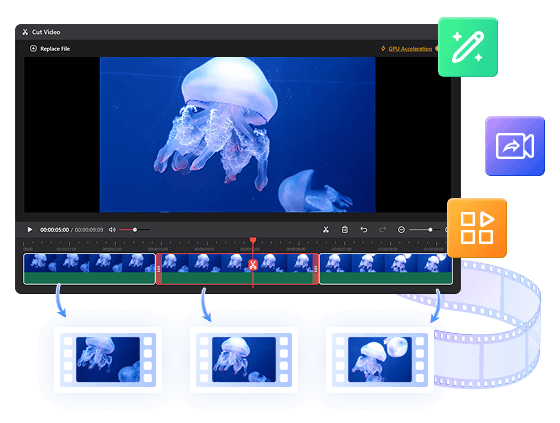
Export your cut clips individually for separate use, or merge them seamlessly into a single file—giving you total control over your output.
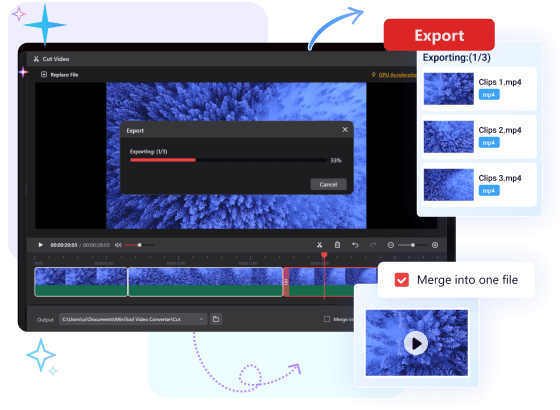
Our video cutter is very easy to use. It takes advantage of hardware acceleration to improve video processing speed. Without advertisements’ interruption, you can focus on your task.
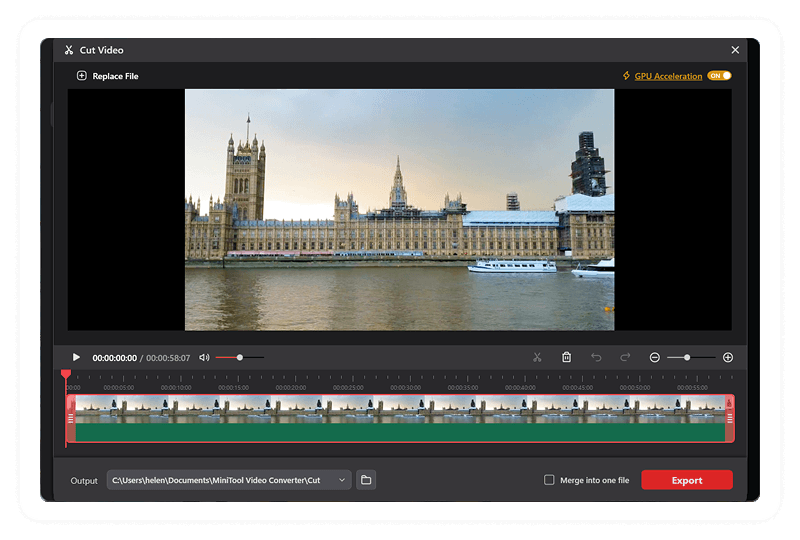
Step 1. Go to the Cut Video page and add the target video.
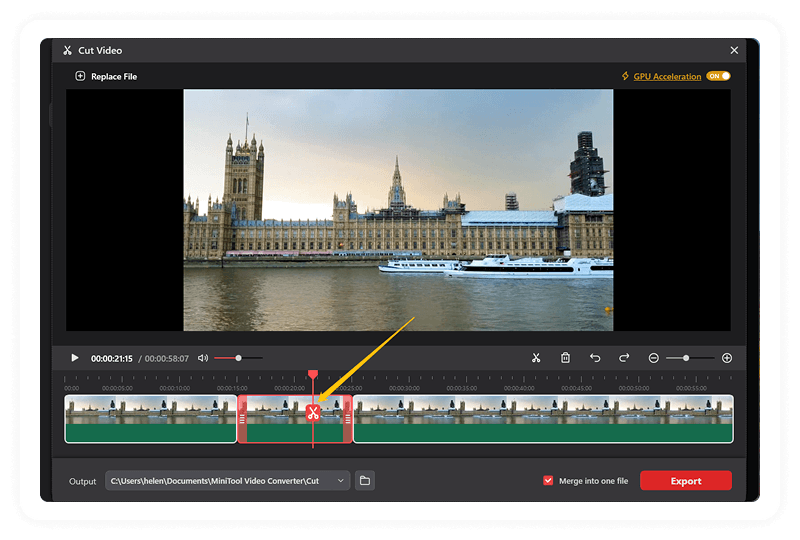
Step 2. Cut out parts of a video.
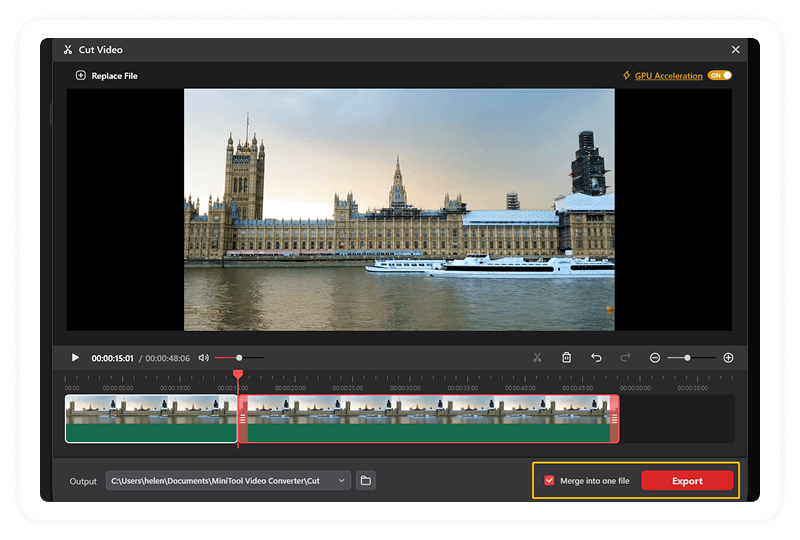
Step 3. Export clips individually or merge them into one file.
MiniTool Video Converter can easily cut off unwanted parts within a video. Aside from this, it can also convert video format, compress video size, transcribe subtitles, as well as enhance video quality without any watermark or ads. Easy to use and quick to complete tasks!