

MiniTool Video Converter uses hardware acceleration to offload video processing tasks to the GPU, improving video conversion, compression, transcription, enhancement, and merging efficiency. It helps reduce processing time, lower CPU usage, and improve multitasking performance without directly affecting video quality.
What Is Hardware Acceleration?
Hardware acceleration refers to the technique of using dedicated hardware components (such as graphics cards, sound cards, or GPUs) to handle specific tasks, rather than relying solely on the CPU.
MiniTool Video Converter uses this technology to accelerate video decoding and encoding, improving the speed and efficiency of video conversion, compression, transcription, enhancement, and merging while reducing CPU usage.
To use GPU acceleration in MiniTool Video Converter, a 64-bit Windows computer with at least a 750 MHz Intel/AMD processor, 256 MB RAM, and 100 MB of available storage space is required.
Why Is Hardware Acceleration Important?
- Faster video conversion
- More efficient video compression
- Smoother video transcription
- Better video enhancing
- Faster video merging
- Lower CPU usage
- Better multitasking capabilities
1. Faster Video Conversion
Video conversion essentially involves decoding the source file and then encoding it into a new format. This process can be time-consuming, particularly for high-resolution videos.
Hardware acceleration improves this process by using dedicated hardware resources, such as GPU video processing engines (e.g., NVENC, Quick Sync), which accelerate video encoding and decoding, reducing conversion time and improving overall efficiency.
2. More Efficient Video Compression
When compressing video, the converter must perform complex calculations to reduce video file size while maintaining image quality. Hardware acceleration speeds up the encoding process, helping users compress videos more efficiently.
3. Smoother Video Transcription
The AI video transcription process involves video decoding and audio extraction. Hardware acceleration can offload these resource-intensive tasks from CPU to GPU, enabling faster and smoother transcription.
4. Better Video Enhancement
Video enhancement requires complex AI processing tasks, such as upscaling, denoising, and improving image quality. Hardware acceleration uses dedicated GPU resources to speed up these calculations, making video enhancement faster.
5. Faster Video Merging
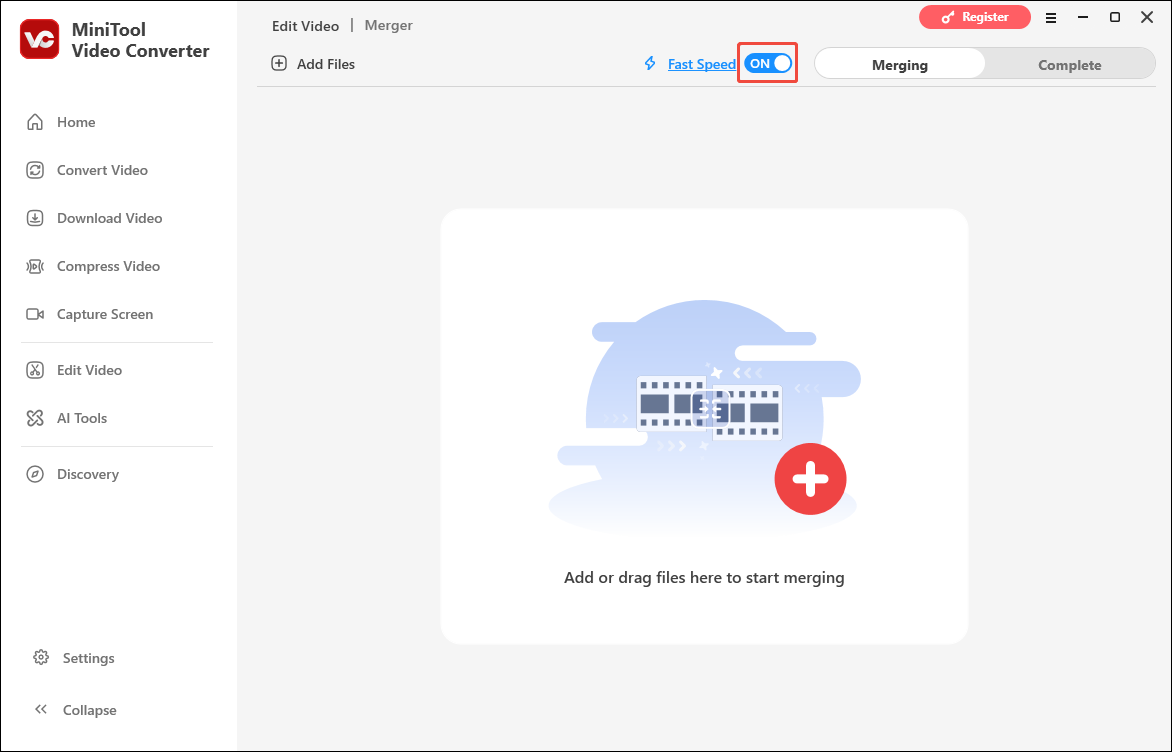
Video merging involves combining multiple video clips into a single file. This process requires processing, rendering, and encoding the video. For large files or high-resolution videos, these tasks consume significant system resources and take a long time to complete.
Hardware acceleration leverages the GPU to handle these demanding video tasks, thereby improving merging efficiency and accelerating video rendering and encoding speeds.
6. Lower CPU Usage
Hardware acceleration offloads intensive video processing tasks to dedicated hardware resources, thereby reducing CPU load while maintaining smooth system performance.
7. Better Multitasking Capabilities
When multiple tasks are running simultaneously, such as batch video conversion, hardware acceleration can reduce CPU pressure, allowing the system to handle multiple processes more efficiently.
Does Hardware Acceleration Affect Video Quality?
Generally, hardware acceleration for video decoding and GPU-assisted filter processing does not directly affect video quality. It mainly improves processing speed by offloading work to dedicated GPU hardware units.
When using MiniTool Video Converter to convert, compress, enhance, or merge videos, the output quality is determined primarily by settings such as the selected codec, resolution, bitrate, and other output parameters.
Other Applications of Hardware Acceleration
In addition to video converters, hardware acceleration can be used for:
- AI processing: Accelerates complex calculations for machine learning, image recognition, and other AI tasks.
- Web browser graphics acceleration: Improves graphics rendering, animations, and video playback in web browsers.
- Audio processing: Enhances audio effects, mixing, and real-time sound processing performance.
- CAD/3D rendering: Speeds up 3D modeling, simulations, and graphics rendering.
Conclusion
Hardware acceleration is a valuable technology for video processing, particularly when working with high-resolution files or multiple tasks. MiniTool Video Converter uses GPU acceleration to enhance processing efficiency, provide a smoother workflow, and improve the overall user experience.
User Comments :