
Proven Ways to Help You Fix Windows Media Player Errors
This article covers 15 common Windows Media Player errors, including 0x80004005, 0xc0000005, and 0xc00d36c4, along with their causes and corresponding fixes.
This article covers 15 common Windows Media Player errors, including 0x80004005, 0xc0000005, and 0xc00d36c4, along with their causes and corresponding fixes.



Video conversion is a process of converting video format into another one. When the original video or audio file format cannot be opened on the target device, you need to change the file format. Video or audio file may also need to be converted to reduce their file size for easier sharing, storage, or playback.
MiniTool provides a video converter that allows you to easily convert file to various formats for free such as M2TS to MP4, M4A to MP3, and MKV to MP3. Besides, if you want to convert image to video like GIF to MP4, you can also find solutions here.
![[Solved] PowerPoint Cannot Insert a Video from the Selected File](https://images.minitool.com/videoconvert.minitool.com/images/uploads/2026/09/powerpoint-cannot-insert-video-from-selected-file-thumbnail.png)
This post shows you how to fix “PowerPoint cannot insert a video from the selected file”. If you have this issue, you can take some measures to fix it!
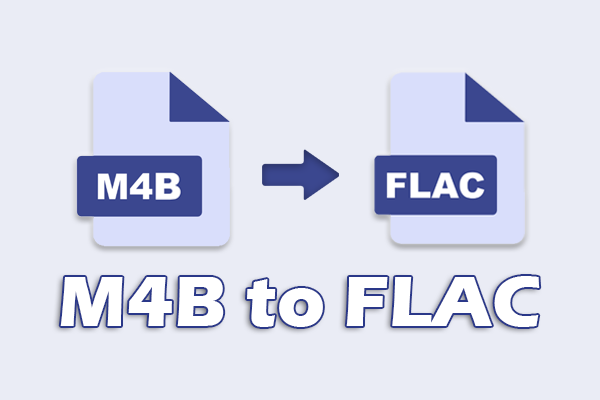
Convert M4B to FLAC by importing the M4B file, setting the output format to FLAC, and clicking Convert using MiniTool Video Converter or CloudConvert.
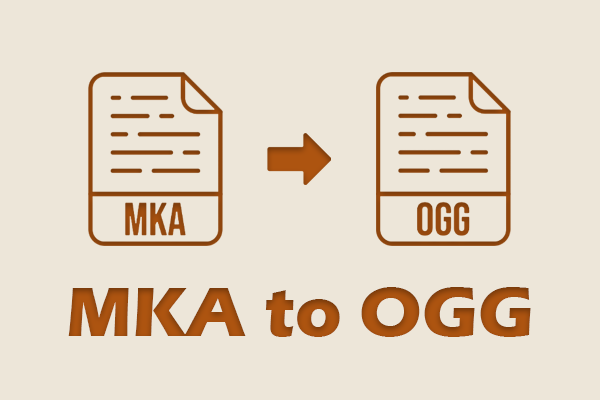
Convert MKA to OGG with ease using MiniTool Video Converter or VLC by importing the MKA file, choosing OGG as the output format, and starting conversion.
How to convert MKA to AVI? Download a video-to-audio converter, add an MKA audio file, set AVI as the output format, and start the conversion.
Convert MKA to MKV easily with MiniTool Video Converter and Media.io by adding the target file, choosing the output format, and starting conversion.
How to convert MKA to AAC for better compatibility? Get an audio converter, add MKA audio, set AAC audio format, and start the conversion.
This article explains the MKA format, including features, compatibility, codecs, use cases, pros and cons, and introduces tools to convert and play MKA files.
What is the best codec for video quality? AV1, HEVC, and Apple ProRes boost online streaming performance, compression efficiency, and editing professionalism.
How does bitrate affect video quality? A higher bitrate makes the video clearer. Conversely, a lower bitrate makes the video blurry.