


Cut MP4 Video Efficiently: 2 Proven Methods to Try in 2026
How to cut MP4 video easily? Try using MiniTool Video Converter or VEED to remove the unnecessary parts of the video.
By Jade / Published
MiniTool Video Converter embeds some video editing features for users’ further needs after video conversion, video compression, or video download. You can easily cut or merge your videos or do other edits without switching to another software, which saves time and energy.
The video editing features in MiniTool Video Converter are easy to use. Even beginners can quickly handle the tasks. Despite this, we still offer the following video editor tutorials for your reference.
How to cut MP4 video easily? Try using MiniTool Video Converter or VEED to remove the unnecessary parts of the video.
![How to Cut a Video Easily: 2 Practical Ways [2026 Update]](https://images.minitool.com/videoconvert.minitool.com/images/uploads/2026/09/how-to-cut-a-video-thumbnail.jpg)
This post explains how to cut a video with 2 methods: use MiniTool Video Converter or Microsoft Clipchamp to cut and remove the unwanted video parts.
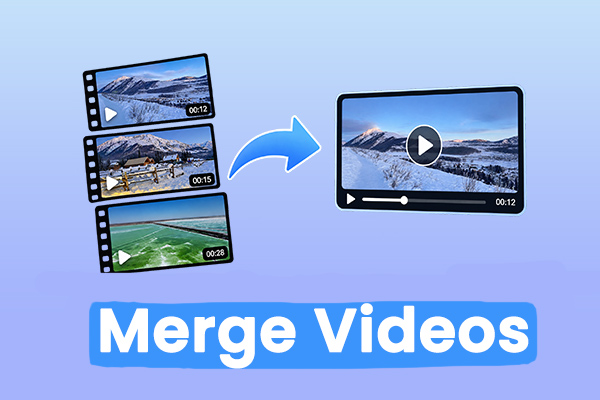
Easily merge videos using MiniTool Video Converter and Photo Legacy. Add two or more clips, remove unwanted parts, add transitions, and export the result.

Cut YouTube videos with YouTube Studio and MiniTool Video Converter. Follow the steps to trim, split, remove unwanted parts, and export edited videos easily.

Here is how to cut a video from TikTok in MiniTool Video Converter: import the saved video, trim or split it, delete unwanted parts, and export the result.