

Need a CCTV video converter? This article provides an overview of CCTV and explains the relationship between CCTV and DVR. Also, it focuses on how to convert CCTV videos with 2 online and offline converters, including CloudConvert, Convert.Guru, Wondershare Video Converter Ultimate, and ANYMP4.
What Is CCTV
CCTV (Closed-circuit television), also known as video surveillance, transmits video recorded by surveillance cameras to designated devices. Its transmission range is limited and can only be received and transmitted by authorized devices. The transmission of CCTV can be wired or wireless.
CCTV systems can operate continuously or only when specific events require monitoring. CCTV surveillance systems use DVR (Digital Video Recorders, capable of storing years of recordings. It is also innovative with various functions, such as electronic alarm emails.
The use of CCTV technology involves the privacy of individuals, businesses, and nations. Therefore, people pay attention to the balance between surveillance and privacy protection all the time.
The Relationship of CCTV and DVR
The DVR is one of the core devices in the CCTV system used to process and store CCTV video. A DVR can receive analog or digital signals from cameras and then convert them into digital video files for storage.
DVR files are compressed using H.264 video codec and can be quickly converted to other formats using various converters.
CCTV Video Converters Online
Want to find an online CCTV video converter? There are 4 converters that I would like to recommend to you.
#1. CloudConvert
CloudConvert is an online CCTV video converter. It can not only convert DVR formats, but can also convert over 200 formats. What’s more, it allows you to convert videos, audio, e-books, documents, archives, images, and more. CloudConvert enables you to import videos from computers, URLs, Google Drive, OneDrive, and Dropbox.
Let’s take a look at how to convert a CCTV video to other formats. Here, I take the CCTV video to MP4 conversion as an example.
Step 1. Go to the CloudConvert Webpage
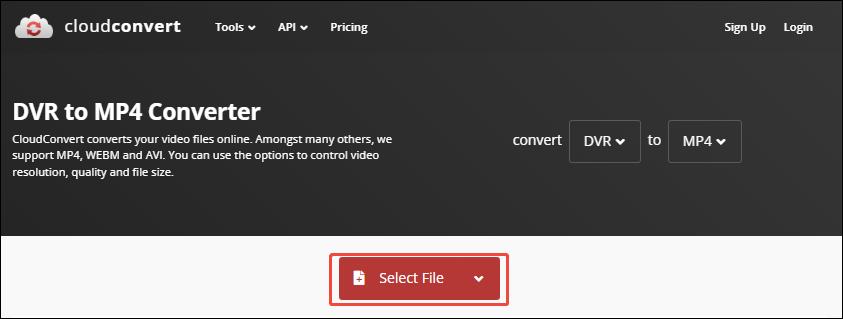
Visit https://cloudconvert.com/dvr-to-mp4 to enter CloudConvert’s Webpage.
Step 2. Import CCTV Video in DVR Format
Click on the Select File option to import CCTV video in DVR format.
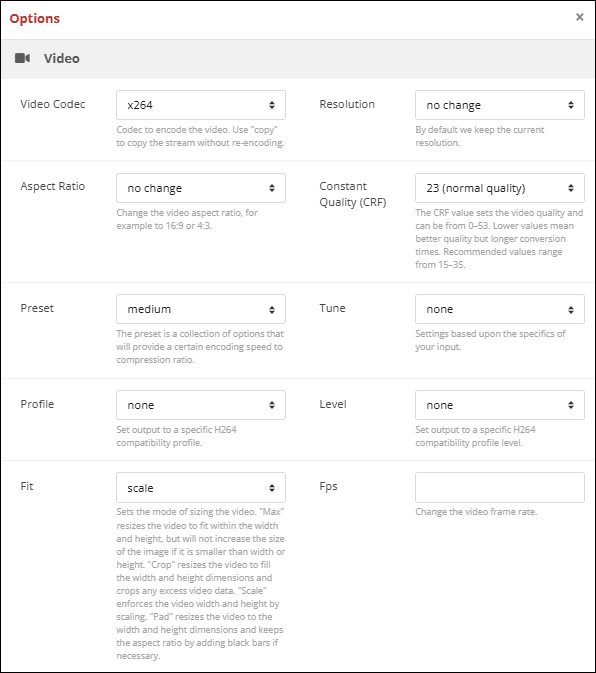
After importing the CCTV video, click on the Wrench icon to trigger the Options window. There, you can customize the video parameters, such as codec, resolution, aspect ratio, and constant quality.
Step 3. Start the Conversion
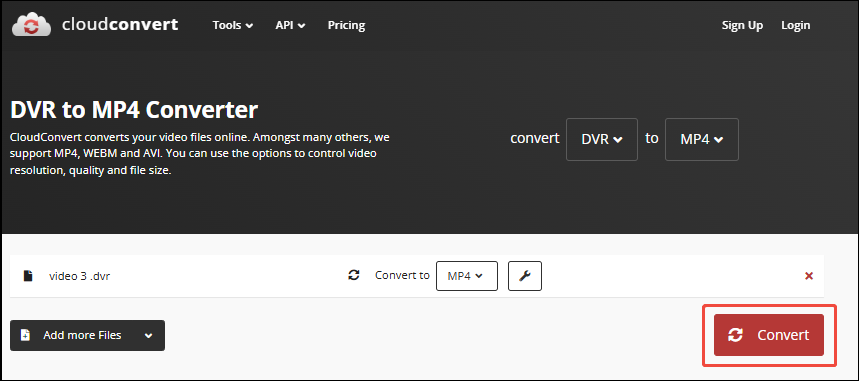
When the custom settings finish, click on the Convert button to start the conversion.
Step 4. Save the Converted Video
Once the conversion is over, click on the Download button to save the converted video.
Using CloudConvert to convert CCTV video is easy and quick, even for beginners.
#2. Convert.Guru
Convert.Guru is a browser-based converter that instantly converts CCTV videos. It also accepts more than 16k file types, helping you process various conversions. Besides, Convert.Guru allows you to convert files on Windows, Mac, tablets, and smartphones without installing any software.
The following steps are how to convert CCTV video with Convert.Guru.
Step 1. Open Convert.Guru’s Homepage
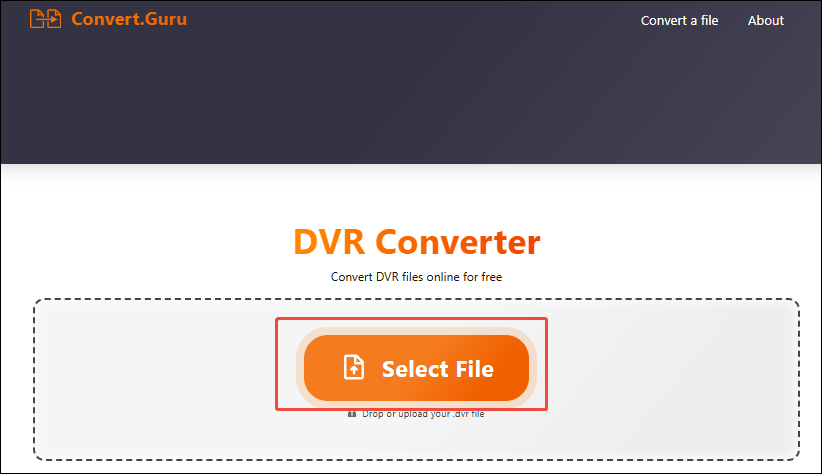
Go to https://convert.guru/dvr-converter to open Convert.Guru’s homepage.
Step 2. Add the CCTV video in DVR Format
Click on the Select File option to add the CCTV video in DVR Format.
Step 3. Begin the Conversion
Click on the Convert file to button to begin the conversion. Once the conversion finishes, you can check the converted video in the Downloads tab of your browser.
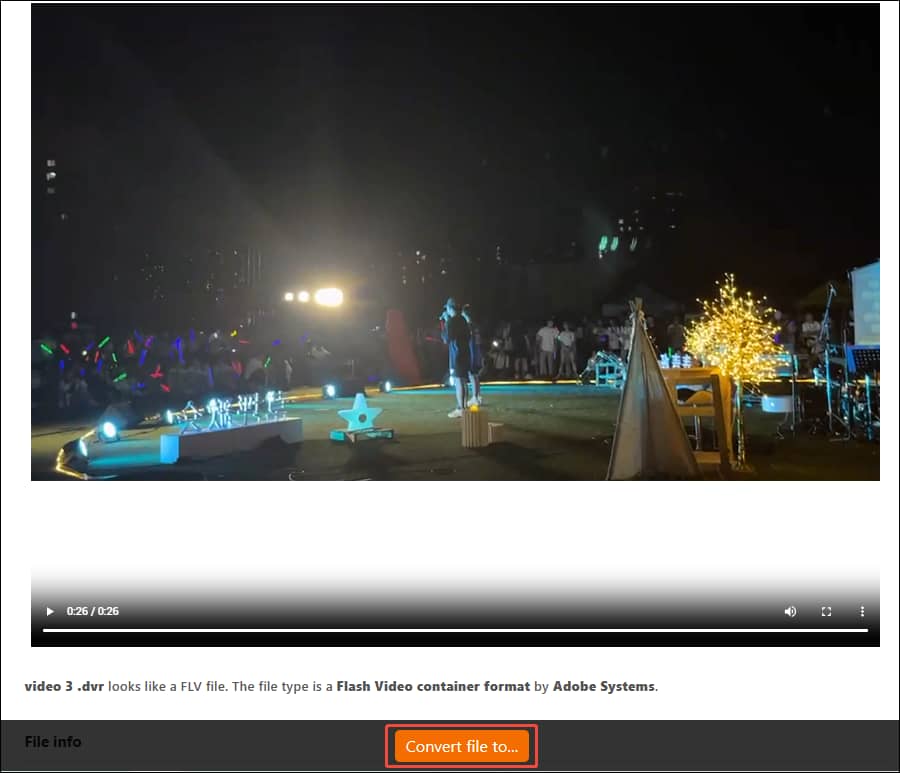
Convert.Guru’s CCTV video conversion is simple and instant. You can easily get it.
CCTV Video Converters Offline
How about an offline CCTV converter? Below are 2 offline ones I want to show you.
#1. Wondershare Video Converter Ultimate
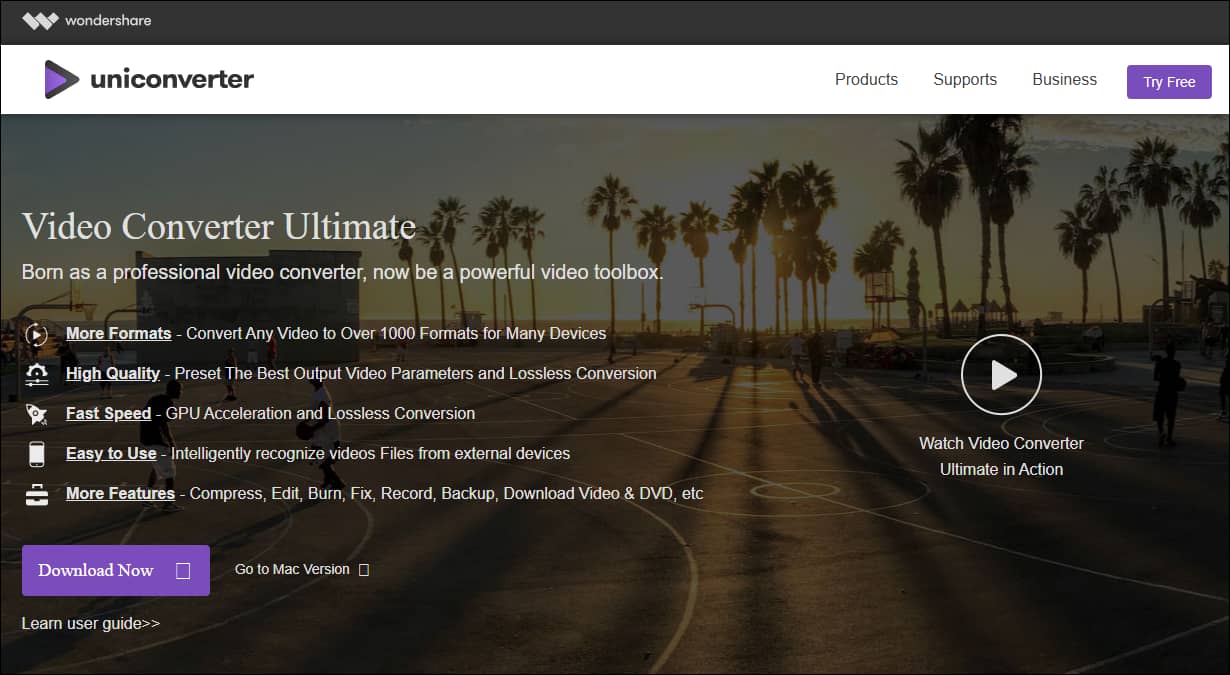
Wondershare Video Converter Ultimate is a professional offline CCTV video converter. It supports 1,000 formats for a variety of devices. It empowers you to set the converted video quality and parameters. Also, Wondershare Video Converter Ultimate is easy to use with fast conversion speed.
#2. ANYMP4
ANYMP4 is a robust free CCTV video converter that is 100% clean and safe. It supports converting multiple high-quality videos of up to 8K resolution. ANYMP4 can convert videos instantly. Moreover, this application allows you to download on Windows or Mac.

Bonus: Other Formats Converter
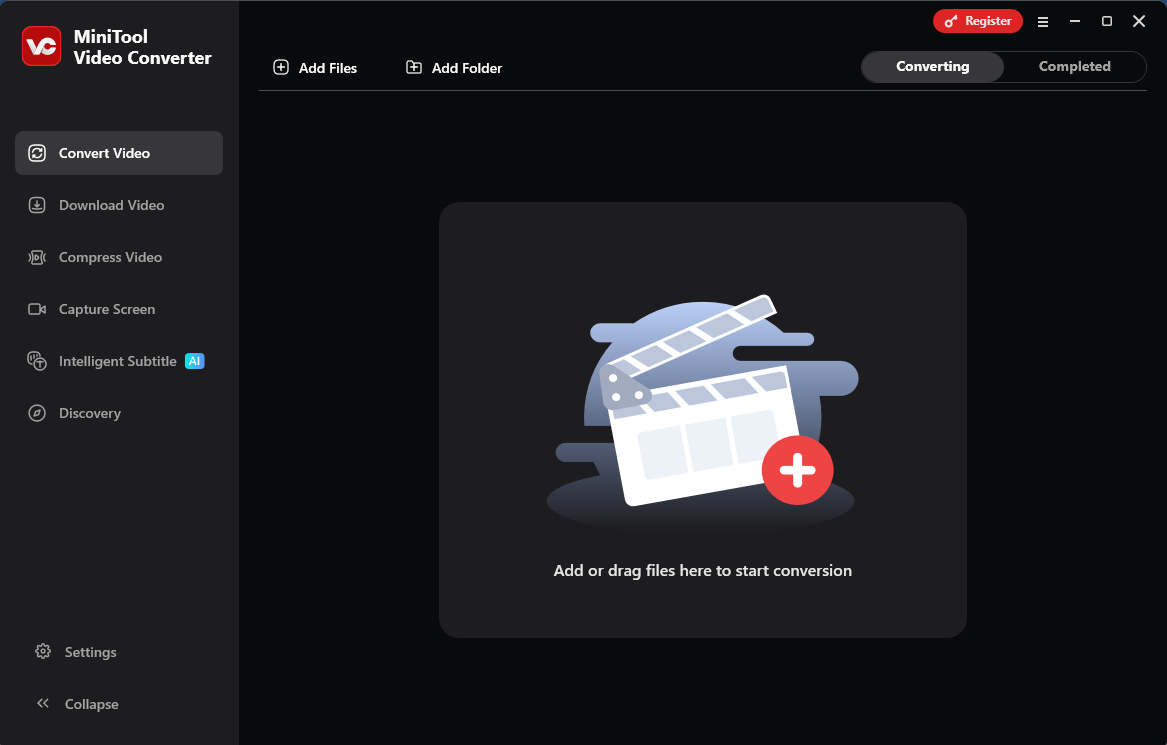
As a free video converter, MiniTool Video Converter supports converting over 1,000 formats, including MP4, MKV, MOV, AVI, WebM, FLV, OGV, M2TS, and more. It also allows you to convert your videos in batches, which are of up to 5 tasks.
Apart from these, MiniTool Video Converter offers customizable options for the output videos, like resolution, frame rate, bitrate, encoder, etc.
MiniTool Video ConverterClick to Download100%Clean & Safe
Bottom Line
This article introduces you to CCTV video and the relationship between CCTV and DVR. It also recommends 2 online and offline CCTV video converters, which include CloudConvert, Convert.Guru, Wondershare Video Converter Ultimate, and ANYMP4.
User Comments :