
How to Repair the Error Code 0xc004f011 While Playing a Video in Windows 10
Are you experiencing the error code 0xc004f011 on your computer? If you are looking for some solutions to this issue, you can view this post to fix it.
By Emma
Are you experiencing the error code 0xc004f011 on your computer? If you are looking for some solutions to this issue, you can view this post to fix it.
Is there an effective method to fix the problem that this video file cannot be played error. This post provides useful solutions.
![[Solved] PowerPoint Cannot Insert a Video from the Selected File](https://images.minitool.com/videoconvert.minitool.com/images/uploads/2026/09/powerpoint-cannot-insert-video-from-selected-file-thumbnail.png)
This post shows you how to fix “PowerPoint cannot insert a video from the selected file”. If you have this issue, you can take some measures to fix it!

If you run into the unsupported video type or invalid file path error, you can read this post to get a step-by-step guide.
![[Solved] How to Fix EAC3 Audio Format Not Supported?](https://images.minitool.com/videoconvert.minitool.com/images/uploads/2026/09/eac3-audio-format-not-supported-thumbnail.png)
If you come across the “EAC3 audio format not supported” error on your PC, you don’t need to worry. This post provides a full guide to solve the error.
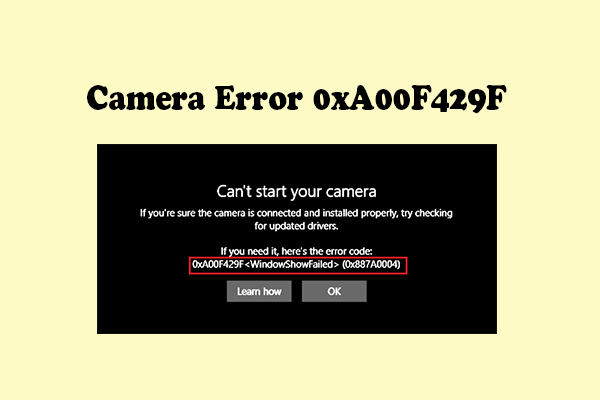
Are you bothered by the Camera error 0xA00F429F? If so, you can read this post to get some useful solutions.